Best IPTV service for sports: what anti-freeze servers are
An anti-freeze server setup is not one server; it is a group of servers that share the load. When you open ESPN at 8:15 PM for Monday Night Football, your stream is assigned to whichever server has the most room at that moment. If that server starts to fill up, new viewers are sent to another server, and existing streams are moved before the picture stutters. The system also keeps spare capacity in reserve — servers that sit idle on a quiet Tuesday so they are ready for Sunday afternoon, when millions of Americans start streaming at the same minute.
The opposite is a single overloaded server, which is what most cheap IPTV services run. One machine serves everyone, and at peak time it simply cannot keep up: the picture freezes, channels take thirty seconds to open, and the EPG stops loading. No setting on your Firestick can fix that, because the bottleneck is hundreds of miles away. Anti-freeze servers cost the provider more to run, which is why a $19.99 Premium plan can offer them and a $9.99 plan usually cannot.
Why freezing happens at peak time
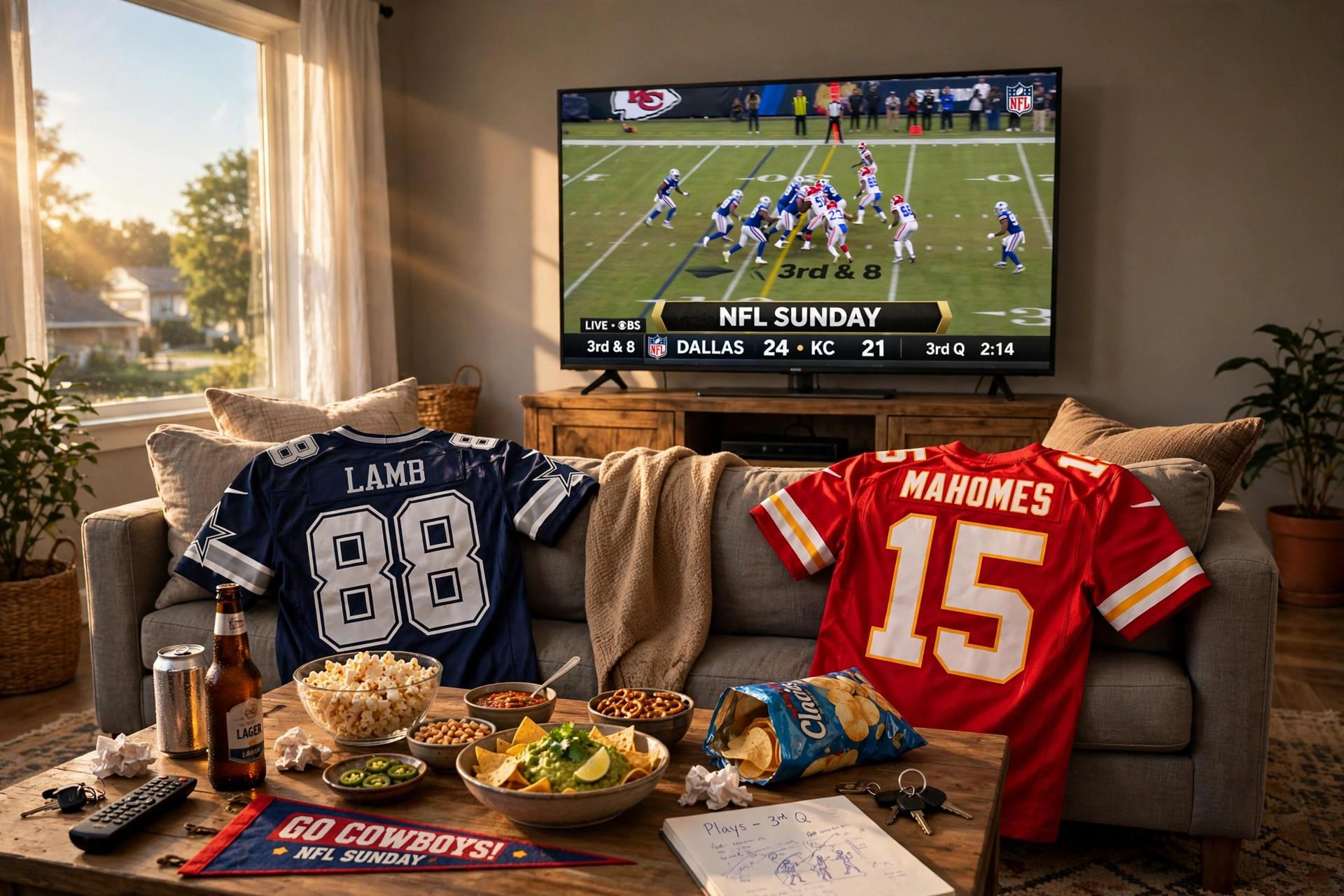
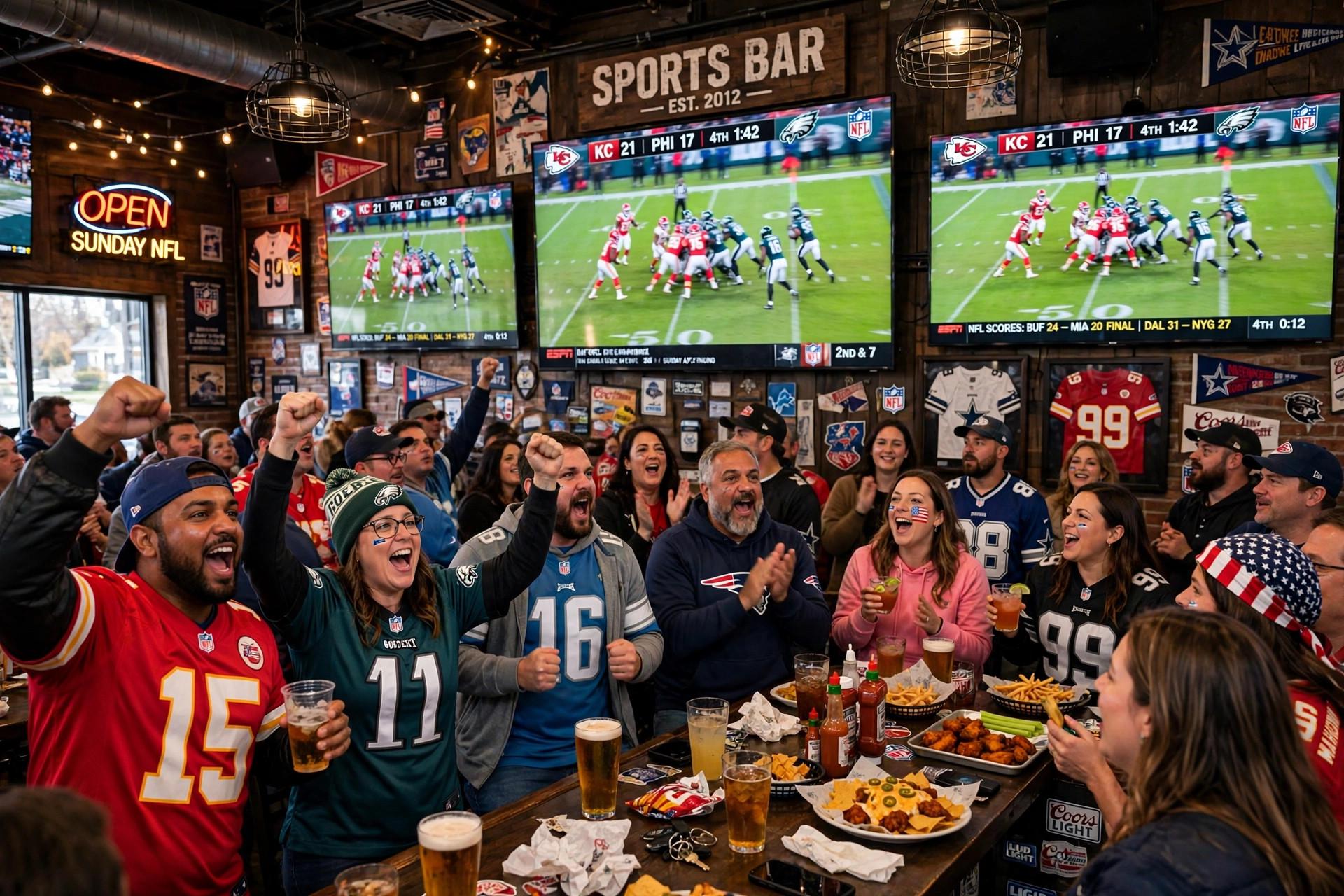
Freezing follows the American TV schedule. Sunday afternoons during the NFL season, Monday nights for Monday Night Football, Thursday nights, the NBA Finals on ABC, and pay-per-view fight nights on ESPN+ are the moments when demand spikes hardest. At 1 PM Eastern on a Sunday, every time zone in the country is watching football at once, and the load on a sports server can triple in ten minutes. A provider without spare capacity freezes for everyone at the same moment, which is why the complaints always arrive in waves on Sunday evenings.
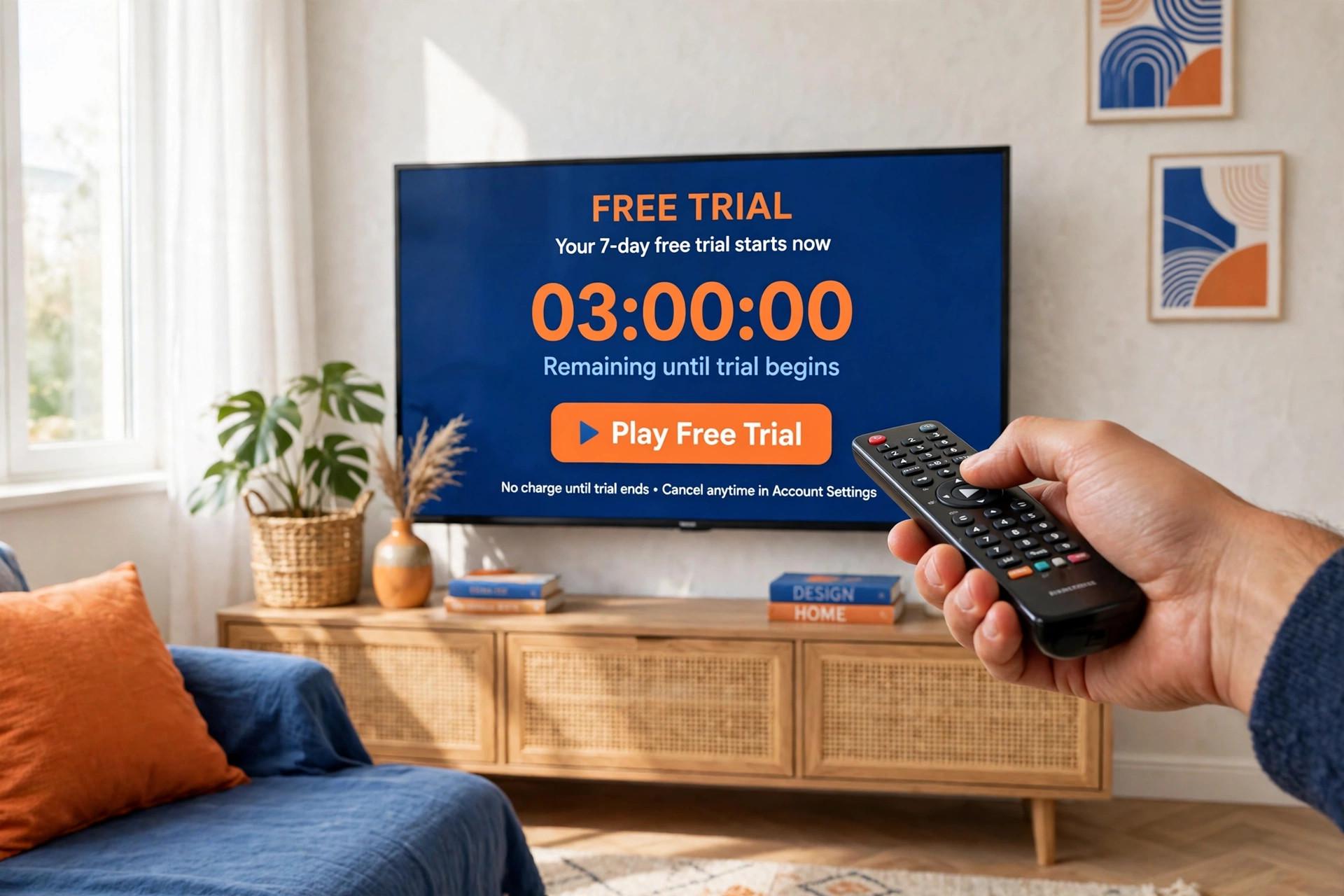
The same spike happens on holidays and big TV nights: Thanksgiving football on FOX, CBS and NBC, the Super Bowl in February, and the College Football Playoff in January. A service that works fine on a quiet Wednesday can fall apart on Thanksgiving, and the only way to know is to test it on a busy night. That is why the honest trial is always a peak-time trial — start the free 24-hour trial on a Sunday and watch the games that matter to you.
How load balancing keeps the picture moving
Load balancing is the traffic controller of an anti-freeze setup. It watches every server in real time — how many viewers are connected, how much bandwidth each stream uses, how long channels take to open — and it sends each new viewer to the healthiest server. When a server crosses a threshold, say 80 percent of its capacity, the balancer stops sending it new viewers and starts moving existing streams to quieter machines. The move happens in the background, and you never see it; the picture simply keeps playing.
Good load balancing also separates traffic by type. Live sports, which spike suddenly, run on different servers from movies and series, which stream steadily all day. That way a sudden surge on ESPN during a game does not slow down a movie on HBO. A provider that mixes everything on one server will see the whole service slow down when one big game starts. Ask any provider how they separate sports traffic from VOD traffic — a team that cannot answer the question is not running a balanced setup.
Redundancy: the backup you never see
Redundancy means there is always a second server ready to take over when the first one fails. If a server crashes or a data center has a network problem, the system moves every viewer on that server to a backup within seconds, and the picture returns before most people notice it was gone. Without redundancy, a single server failure takes down every channel for every viewer until someone restarts the machine — which can mean an hour without TV on the biggest night of the year.
You can test redundancy indirectly: watch the same channel at the same time on two devices, and note whether they ever freeze together. If both freeze at the exact same second, they are on the same server, and a failure would take both down. If they freeze at different times, the service is spreading the load. A better test is simply to watch through a whole big game without a freeze — a service with real redundancy will survive the night, and one without it will show a gap sooner or later.
Anti-freeze vs a VPN: different problems
Some viewers try to fix freezing with a VPN, and it sometimes helps for a different reason. If your internet provider slows down streaming traffic at peak hours — a practice called throttling — a VPN can hide the traffic and restore full speed. But a VPN cannot fix an overloaded IPTV server, and it can make freezing worse by adding an extra hop between you and the stream. Test freezing with the VPN off first: if the picture holds, the server is fine and the VPN was the problem. If it still freezes, the server is the bottleneck.
A VPN also adds 10 to 20 percent overhead, which matters on a 25 Mbps connection that is already close to the limit for 4K. For a reliable service with anti-freeze servers, you should not need a VPN at all — the streams are delivered at full speed without throttling tricks. Try the trial without a VPN, on a Sunday evening, and judge the servers on their own. If the picture holds, you have found a service that does not need workarounds.
How to test anti-freeze servers free
The test is simple and it costs nothing. Start the trial on a Sunday at noon, watch the 1 PM NFL games on CBS and FOX, then the late games on FOX and NBC, then Sunday Night Football at 8:20 PM. Count every freeze and note the time. Zero freezes across seven hours of football means the servers have real spare capacity. Three or more freezes, especially right at kickoff, means the servers are buckling under the load — and the same thing will happen every Sunday for the next twelve months if you subscribe.
- Start the free trial on a Sunday and watch the 1 PM NFL games on CBS and FOX.
- Count every freeze from noon to the end of Sunday Night Football on NBC.
- Switch channels at halftime and time how fast each one opens.
- Test a pay-per-view night on ESPN+ if one falls during your trial.
- Compare the trial with your current service on the same Sunday.
Do the same test on a second Sunday if you can, because one good Sunday could be luck. Two clean Sundays is a pattern, and a pattern is what you are paying for. Our Premium plans run on priority anti-freeze servers with spare capacity held for peak hours, and the refund policy gives you 7 days to change your mind if the service ever lets you down.
Why cheap services freeze and Premium does not
A service that charges $9.99 a month cannot afford spare servers, because spare capacity is idle hardware that earns nothing on a quiet Tuesday. The business model of a cheap service is to oversell one server and hope not too many people watch at once — and that hope breaks every Sunday. A Premium plan at $19.99 a month pays for the extra servers, the load balancer, and the technicians who watch the load during games. The price difference is $10 a month; the difference in experience is a game that plays and a game that freezes.
Look at the numbers the other way. A year of Premium costs $99.99, which is less than one month of cable TV in most US cities, and it covers 57,000+ channels, 185,000 movies and 49,000 series in 4K. A year of a cheap service that freezes during every big game costs less in dollars and far more in frustration — missed touchdowns, a frozen screen during the final round of a fight, a family arguing about the TV instead of watching it. The anti-freeze servers are what you are actually buying.
What to ask a provider before you pay
Ask three questions before you subscribe to any IPTV service. First, how many servers carry the live sports traffic, and what happens when one fills up? Second, is there spare capacity held back for peak hours, or does every server run at full load? Third, what happens when a server fails — is there an automatic backup, or does someone have to restart it by hand? A team that runs a real anti-freeze setup will answer all three clearly, because they are proud of it. A team that cannot answer is telling you the setup does not exist.
Then verify the answers with the trial. No sales page can prove a server setup; only a Sunday evening can. Watch the games, count the freezes, and trust the numbers you wrote down more than the words on the website. Our blog has a one-evening test plan for any provider, and the install guide shows how to set up your Firestick so the test measures the servers, not your Wi-Fi.
Keep the notes from your trial even after you subscribe, because they become your baseline. If the service ever freezes on a Sunday three months later, compare the new freezes with the trial numbers: a service that was clean in the trial and freezes now has a new problem, and a message to support with both sets of numbers gets a faster diagnosis than a complaint with no history. Good providers keep their own logs too, and when your notes match their logs, the fix usually arrives within the hour.
Every sport punishes a weak stream in its own way. Football fills the screen with fast motion and crowd detail, basketball needs a round ball and straight court lines at 60 frames per second, and soccer shows every flaw in the grass and the crowd on a wide shot. A service that looks fine on a movie can fall apart on all three, which is why the trial has to include a live game, not just a film. Watch the sport you care about most at its real time: the NFL guide covers Sunday afternoons and the playoffs, when the servers take their hardest hit, and the NBA guide covers weeknight games and the Finals, where a freeze in the last two minutes costs you the ending. Compare what you see with the most reliable IPTV for sports checklist, and keep notes on freezing and opening speed: two Sundays of notes beat a month of reading reviews.