Every league, every kickoff
A soccer fan needs five competitions: the Premier League on NBC, USA Network and Peacock windows; the UEFA Champions League on CBS, Paramount+ windows and Univision; MLS on Apple TV windows and FOX; La Liga on ESPN+; and Serie A on CBS and Paramount+ windows. Add the World Cup every four years and the Euros every four years, and the schedule never stops. During the trial, check the channels for your league first — NBC and USA Network for the Premier League, CBS for the Champions League — and confirm the guide lists the next match at the right time.
The kickoff times are the hard part. Premier League games start at 7:30 AM Eastern on Saturday, which means the service must be awake and stable before most of America is. Champions League games kick off at 3 PM Eastern on Tuesdays and Wednesdays, right in the middle of the workday for fans who watch on a phone. Test the trial at the time you actually watch: a Saturday morning for the Premier League, a weekday afternoon for the Champions League. Start the free 24-hour trial on a matchday and let the kickoff decide.
Premier League: Saturday mornings
Saturday morning is the Premier League ritual: the 7:30 AM game on USA Network or NBC, the 10 AM games across the channels, and the 12:30 PM game to finish the day. A reliable service must be clean at 7:30 AM, when the servers have been quiet all night and the first surge of the day arrives with the early game. Open the channel fifteen minutes before kickoff, set the buffer to Large, and watch the first half. Zero freezes before breakfast means the service is staffed around the clock — a service that freezes at 7:30 AM has no one watching the servers until noon.
The guide matters as much as the stream for the Premier League, because the kickoff times shift with TV picks and the 10 AM games overlap across channels. A good EPG lists every game with the right channel and time, so you can plan the morning and switch between games at halftime. Check the guide on Friday evening for Saturday's games: if every match is listed correctly, the provider maintains its data daily. Our EPG guide explains the accuracy test.
Champions League nights
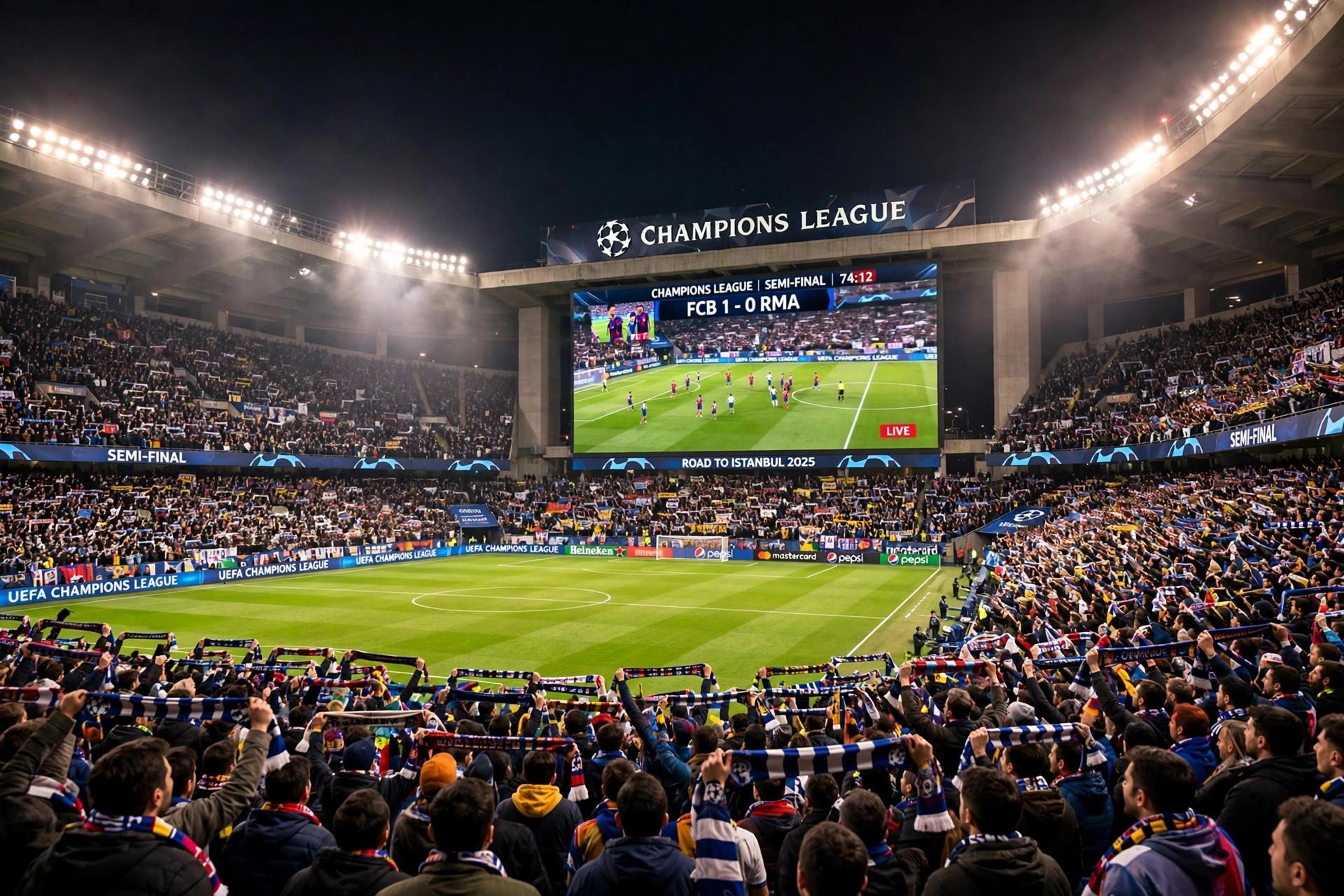
Champions League nights are the biggest soccer audiences of the year in the USA, with eight games at once on Tuesdays and Wednesdays at 3 PM Eastern. The load spikes hard at kickoff, because every soccer fan in the country starts streaming at the same minute, and a weak service freezes exactly when the anthem plays. A reliable service runs the Champions League on priority servers with spare capacity, so the picture holds through the first half. Test the trial on a Champions League night and count the freezes in the first fifteen minutes — zero means the servers are ready for Europe's biggest nights.
- Check NBC, USA Network, CBS and FOX for your leagues during the trial.
- Test a 7:30 AM Premier League game and count the freezes in the first half.
- Watch a Champions League night and count freezes in the first 15 minutes.
- Confirm the EPG lists every match with the right channel and time.
- Open the player stats and confirm 60 frames per second for live matches.
The knockout rounds raise the stakes further. A Champions League semifinal or final draws an audience that dwarfs a group game, and the servers feel it. A service that survives the final has proven its capacity, and the trial during a knockout game is the strongest test available. Prepare the same way as for any big game: early channel open, wired connection, large buffer, and support on WhatsApp ready.
MLS, La Liga and the rest
MLS plays on Saturday nights, mostly on FOX and Apple TV windows, and it is the league American fans follow most closely for their local team. Check your local MLS channel during the trial and confirm the pre-game show loads an hour before kickoff. La Liga plays on ESPN+ on Sunday mornings, with Real Madrid and Barcelona drawing the biggest audiences, and Serie A plays on CBS and Paramount+ windows. A service that carries all four leagues in one subscription replaces three separate apps, and the trial is the time to confirm each one plays clean.
International breaks add another test: World Cup qualifiers and friendlies on weeknights, often on channels fans rarely open. Check one qualifier during the trial — the USA national team on TNT or Telemundo windows — and confirm the stream is stable. A service that covers the national team as well as the club leagues is a complete soccer service, and a service that misses the national team is not.
World Cup and the summer tournaments
The World Cup is the biggest soccer event on earth, and in 2026 it comes to the USA, Canada and Mexico, with games in American stadiums and American time zones. The audience will be enormous, and the servers will face the biggest test in their history. A service that survives a World Cup semifinal has proven everything, and the trial during a big tournament game — the Euros, the Copa America, or a World Cup qualifier — is the best preparation. Start the stream an hour early for a tournament game, because the pre-game show is long and the buffer will be deep by kickoff.
Summer tournaments also mean daytime games on weekdays, when fans watch on phones at work. Test the service on your phone during the trial: open the match on mobile data, watch for ten minutes, and count the freezes. A service that plays clean on a phone at noon and on a TV at 7:30 AM is reliable everywhere, and that is the service to trust when the World Cup arrives.
Picture quality for soccer
Soccer punishes a weak stream because the camera is wide, the ball is small, and the picture is full of green detail that shows every compression artifact. A good stream keeps the ball visible and round during a long pass, the grass textured, and the players sharp when the camera pans across the pitch. A weak stream turns the pitch into a green blur and loses the ball on long passes. Open the player stats during a match and confirm 60 frames per second — soccer at 30 fps looks jerky on every pass, whatever the resolution says.
Test the picture on a close-up too: a free kick, a corner, a celebration. In real 4K you can see the grass, the jersey texture and the faces in the crowd; in upscaled 1080p the crowd is a soft mass. Run the test during the trial at peak time, because a stream that is 4K at noon can drop to 1080p at 3 PM when the Champions League kicks off. Our stream quality guide explains the full test.
Multi-device for the soccer household
A soccer household watches on more than one screen: the Premier League on the living-room TV at 7:30 AM, La Liga on a tablet at noon, and the Champions League on the phone at 3 PM. Premium multi-device yearly plans cover 2 devices for $159.99, 3 for $224.99 and 4 for $269.99, so every screen can watch a different match at the same time. Test two streams at once during the trial — the early game on the TV and a second match on the tablet — and count the freezes on each.
The price for a single device is simple: Premium at $19.99 for a month, $49.99 for three months, $79.99 for six months and $99.99 for the year, with 57,000+ channels, 185,000 movies and 49,000 series in 4K. For a soccer fan, that is every league for less than the cost of one match ticket. Compare the plans and start with the trial on the next matchday.
After the final whistle
After the final whistle, write down three numbers: how many times the picture froze, how long each freeze lasted, and when they happened. Freezes only at kickoff point to a server surge. Freezes spread through the whole match point to your Wi-Fi or device. No freezes at all means the setup is ready for the season. Keep those notes, because they are the baseline for the next match — if a service that was clean starts freezing in May, something changed, and a message to support with both sets of numbers gets a faster fix than a complaint with no history.
Share the notes with support when something goes wrong, and keep them when everything goes right. A provider that passes three matchdays in a row has earned the yearly plan, and the refund policy gives you 7 days to change your mind, 30 days on yearly plans, if you pick wrong.
Women's soccer and the growing game
Women's soccer is growing fast in the USA, and a complete service carries it too: the NWSL on CBS, Paramount+ windows and ION, the Women's World Cup every four years, and the Women's Champions League on weekday afternoons. Check the NWSL channel during the trial and confirm the guide lists the next match at the right time — a service that covers the women's game as well as the men's is a complete soccer service, and a service that misses it is not keeping up with the sport. The audience for the Women's World Cup final rivals the men's, and the servers feel it the same way.
The women's game also tests the guide, because NWSL kickoff times shift with TV picks and the matches overlap across channels on Saturday nights. A good EPG lists every match with the right channel and time, so you can plan the evening and switch between games at halftime. Test the trial on a Saturday night with an NWSL match and a men's match at the same time, and watch both — two clean streams means the service can carry the whole household on the busiest soccer night of the week.
Soccer mornings in the US are a different test from a Sunday of football. The 10 AM Premier League games overlap across channels, the kickoff times shift with the TV picks, and a Champions League night stacks three games into the same evening, so the guide and the servers both work harder before noon than they do at night. Test the service on a Saturday morning, not a Tuesday: open the early game, check the guide against the real kickoff, and watch a free kick in 4K to judge the picture. The crowd and the grass tell the truth about upscaling faster than any menu setting. For the full picture across every league, the best IPTV for sports guide covers how to run the same checks on NFL Sundays and NBA weeknights, so one provider can carry the whole year instead of one season.