IPTV service customer support USA: what good help looks like
Good support starts with a fast first answer. Message a provider on WhatsApp at 8 PM on a Sunday and a real person should reply within minutes, not hours, and the reply should ask the right question: which device, which channel, what time did it start. A team that asks those three things is diagnosing the problem; a team that replies with a generic link to a help page is stalling. The best support teams in the USA answer in English, around the clock, and they stay with you until the channel works again — they do not close the chat after one message.
The second mark of good support is free remote installation. When you buy a plan, the team should offer to set it up for you: send your MAC address or device details, and they activate the playlist and check that your main channels load. That service is free with a serious provider, and it saves an hour of frustration on a Firestick or a Smart TV. If a provider charges extra for installation help, or refuses to help at all and tells you to watch a video, they are not running a support team — they are running a checkout page.
Test support during the free trial
The trial is about more than the streams; it is a test of the people behind them. Start the free 24-hour trial and ask a real question on WhatsApp: how do I set up the EPG on TiviMate, or why does ESPN stutter on my Firestick? Time the answer. Under five minutes with a clear fix is excellent. Under thirty minutes is acceptable. No answer for hours, or an answer that ignores your question, tells you everything about the next twelve months. A provider that is slow before you pay will be slower after the money arrives.
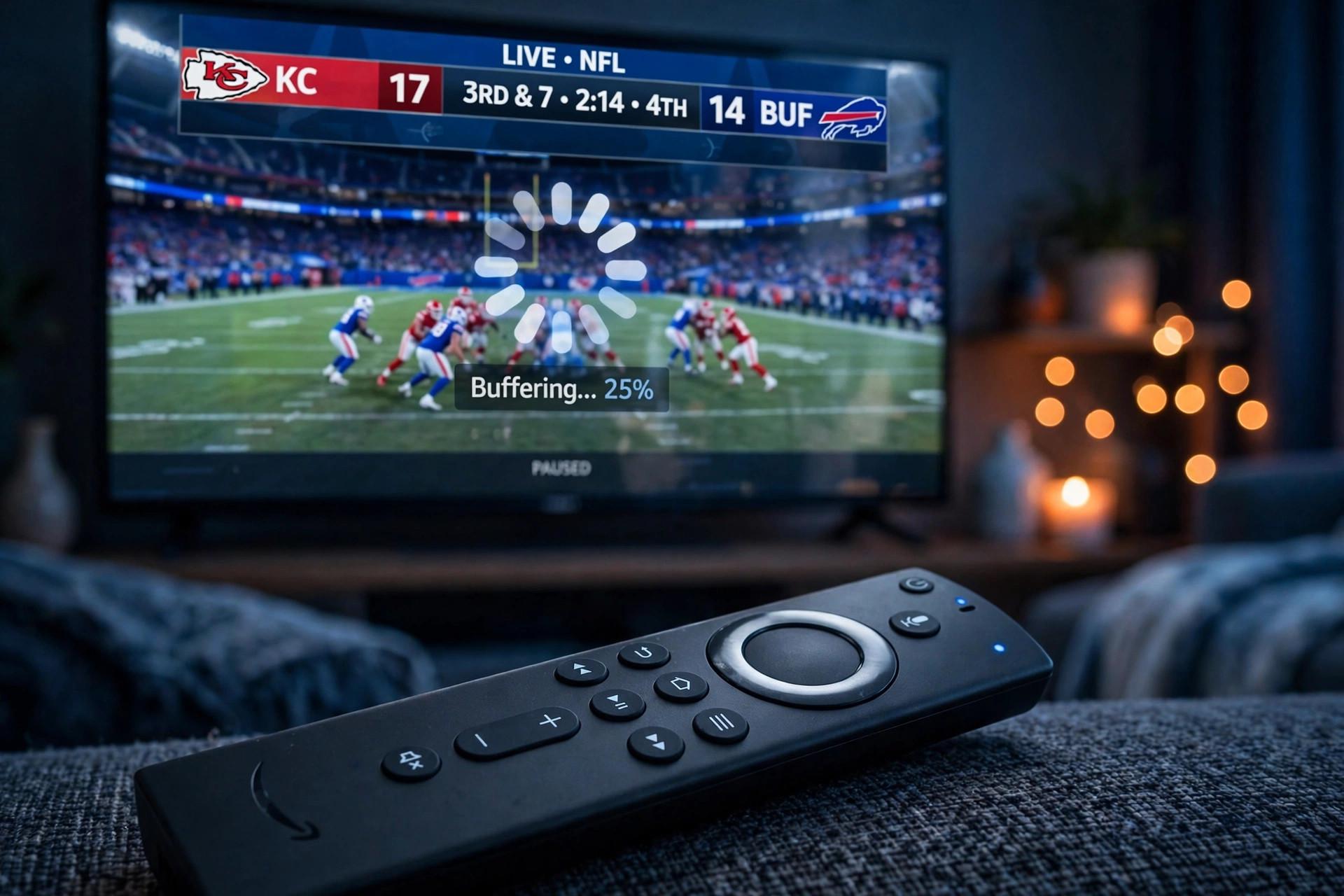
Ask the question at the worst time, not the best. Sunday at 8 PM, during a live game, is when support matters most and when weak teams disappear. If the team answers quickly on a Sunday night and fixes the problem, you have found a service that actually staffs its support desk. Keep the chat history, too — if the same problem comes back a month later, a good team will remember your setup and pick up where they left off instead of starting from zero.
The problems support should solve in minutes
Most IPTV problems have quick fixes, and a good support team knows them by heart. A playlist that will not load usually needs the server URL re-entered or the app cache cleared. A channel that freezes on one device but works on another points to the device settings, not the service. An EPG that shows the wrong programs needs a guide refresh in the player settings. A good technician walks you through these steps in plain language, one step at a time, and waits for you to confirm each step worked before moving on.
What support cannot fix in minutes, it should explain honestly. If a channel is down because its source feed is broken, the team should say so and give you a time estimate, not pretend the problem is your Wi-Fi. If a sports stream is overloaded during a pay-per-view, they should move you to a less loaded server or offer an alternative channel. Honesty builds trust faster than any apology, and a team that admits a problem and fixes it is worth more than a team that denies every problem exists.
WhatsApp, email and response times
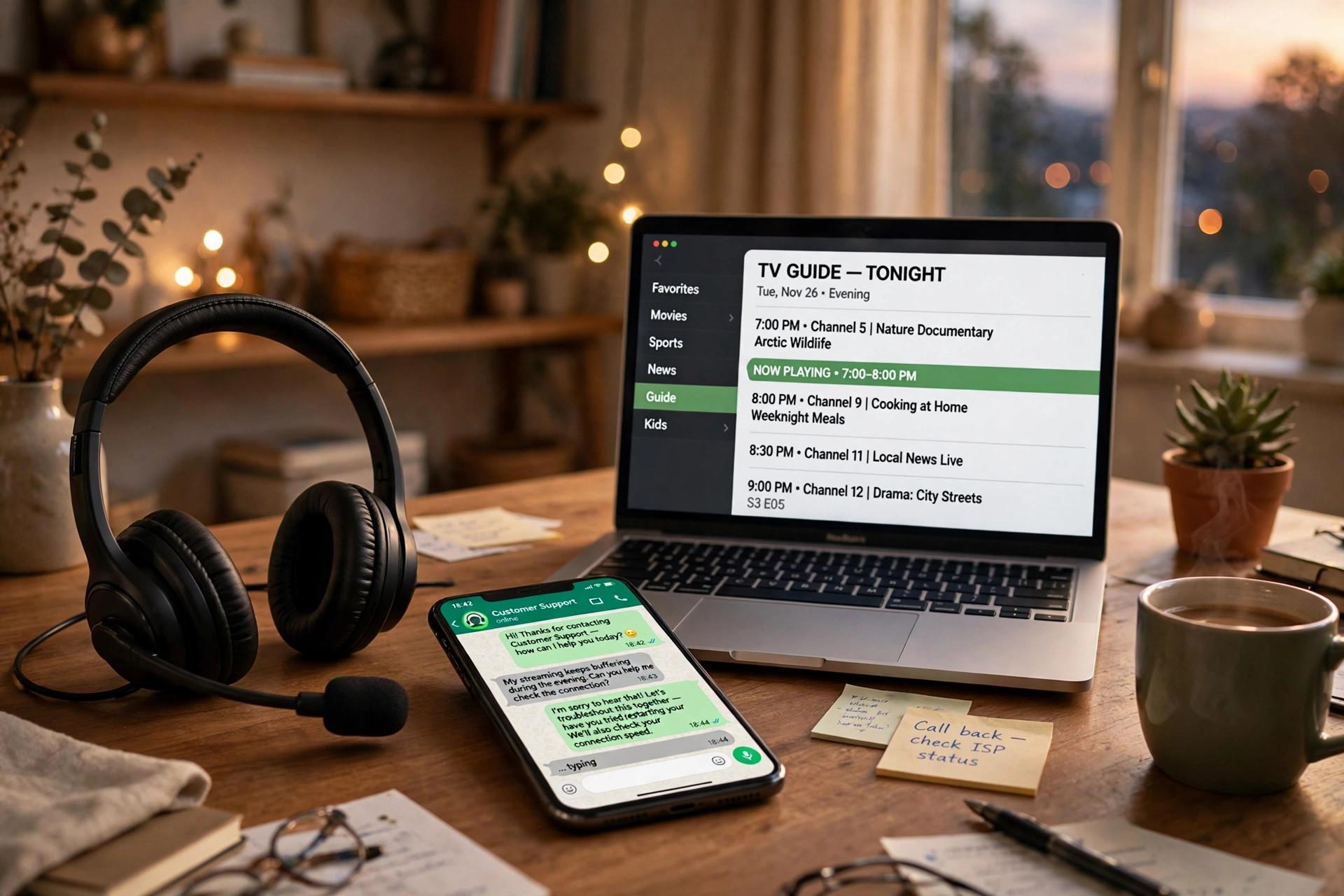
WhatsApp is the fastest way to reach IPTV support in the USA, because it is instant, it keeps the conversation history, and it lets you send screenshots and videos of the problem. A photo of the error on your TV screen tells a technician more in five seconds than three paragraphs of description. Email works for refunds and billing questions, where a written record matters, but it is too slow for a channel that is down right now. Our support runs on WhatsApp 24/7 at +212 604 034 330, and email at support@best-iptv-service-usa.com for anything that needs a paper trail.
Judge response times in three bands. Under five minutes is the standard for a live problem during a game. Under an hour is fine for a setup question on a weekday. Over a day is a warning sign, and no reply at all means the provider has no support team. Test all three bands during your trial if you can: ask a setup question on a weekday afternoon, a channel question on a Sunday evening, and a billing question by email. The pattern of answers tells you the truth about the service.
Free remote installation, step by step
Remote installation works like this: you send the team your device details on WhatsApp — the MAC address and key from IBO Player, or the device model for a Firestick — and they prepare your line on the server. Then they send you the login details and walk you through the app setup, step by step, while you do it on your TV. The whole process takes five to ten minutes, and the team stays on the chat until your first channel plays. Our install guide shows every step for all 13 supported devices, from Firestick to Roku.
For a Firestick, the team will tell you the current Downloader code on WhatsApp — the code changes regularly, which is why it is never printed on a website — and guide you through installing IBO Pro Player. For a Smart TV, they help you find IBO Player in the app store and enter the MAC address. For Android TV, they walk you through TiviMate and the Xtream Codes login. In every case, you do the tapping and they do the thinking, which is how a first-time setup should feel.
When support goes quiet after payment
The most common complaint about IPTV providers is not freezing or missing channels; it is support that answers fast before payment and vanishes after it. The pattern is easy to recognize: quick replies while you ask about prices, slow replies or silence once the subscription is active. If that happens to you, give the team one clear message with the problem, the device, and the time it started, and set a deadline in your own mind — if there is no useful reply in 24 hours, the provider has shown you who they are.
Before you switch, save your evidence: screenshots of the problem, the chat history, and the payment receipt. Then test the next provider the same way you should have tested the first one — with a free trial, a Sunday evening test, and a real support question. A provider with a published refund policy and a 7-day money-back guarantee is far more likely to answer after payment, because the refund window keeps them honest.
Support and reliability are the same thing
A service with great servers and no support will fail you on the one night it matters, because every setup breaks eventually. A service with average servers and great support will feel reliable, because problems get fixed in minutes instead of days. That is why the support test belongs in every buying decision, next to the stream quality test and the price check. Open ESPN during the trial, message support with a question, and watch both at the same time — the picture and the people.
- Message support on WhatsApp during the trial and time the first reply.
- Ask a real setup question, not a sales question, and judge the answer.
- Test on a Sunday evening at 8 PM, when support matters most.
- Check that free remote installation is offered before you pay.
- Read the refund policy — a 7-day guarantee keeps support honest.
The cheapest service with no support costs more than the best service with a real team, because every hour you spend fixing problems yourself is an hour you paid for and did not get back. Premium here costs $19.99 for a month and includes WhatsApp support 24/7, free remote installation, and a team that answers on Sunday nights. Try it free for 24 hours and test the support yourself — send a message tonight and see how fast a real person answers.
What to send support when something breaks
When you report a problem, include five details and the fix gets faster: the device model, the app you use, the channel name, the time it started, and a photo of the screen. A message that says ESPN froze at 8:15 PM on my Firestick 4K Max in TiviMate, here is a photo, gives the technician everything needed to check your line on the server side. A message that says it does not work gives them nothing, and the back-and-forth that follows wastes the evening.
Keep a short note on your phone with your login details and your device model, so you can paste them into a support chat without searching. And when the problem is fixed, say so in the chat — a good team logs the fix against your account, which means the next person who answers your message already knows your setup. That small habit turns a one-time fix into a relationship, and it is how long-term customers get the fastest help of all.
One last habit separates customers who get fast help from customers who wait: report the problem the moment it happens, not the next day. A technician can check a live problem on the server while it is happening, see exactly which server your stream is on, and move you to a healthier one in seconds. A report that arrives a day later is a memory, not a measurement, and the team has to guess what went wrong. Message support the moment a channel freezes, with the photo and the five details, and you will get the fastest fix the service can offer.
Good support shows itself in the first message, not the tenth. When you report a frozen channel, a good team asks for the channel, the device, and the time it froze, then checks the server log and tells you what they found. A weak team asks you to restart everything and close the chat. That difference is worth testing before you pay, because every setup breaks eventually, usually on the night that matters most. Message the team at 11 PM during the trial with a real question and time the reply; our 24-hour support guide explains what a fast, useful answer looks like at 1 AM on a Saturday. Use the free 24-hour trial for that test, and judge the answer on whether it fixed the problem, not on how polite it sounded. Support is part of reliability, and the most reliable IPTV service USA guide treats it as one of the core tests, next to servers and picture quality.